FREE ON YOUR LOCAL NETWORK
Your next screen.Already within reach.
Mirror or extend your Mac or Windows display to iPad or Android over your local network. LAN features are free.
This is a local-network second-display connection, not a remote desktop session like TeamViewer.
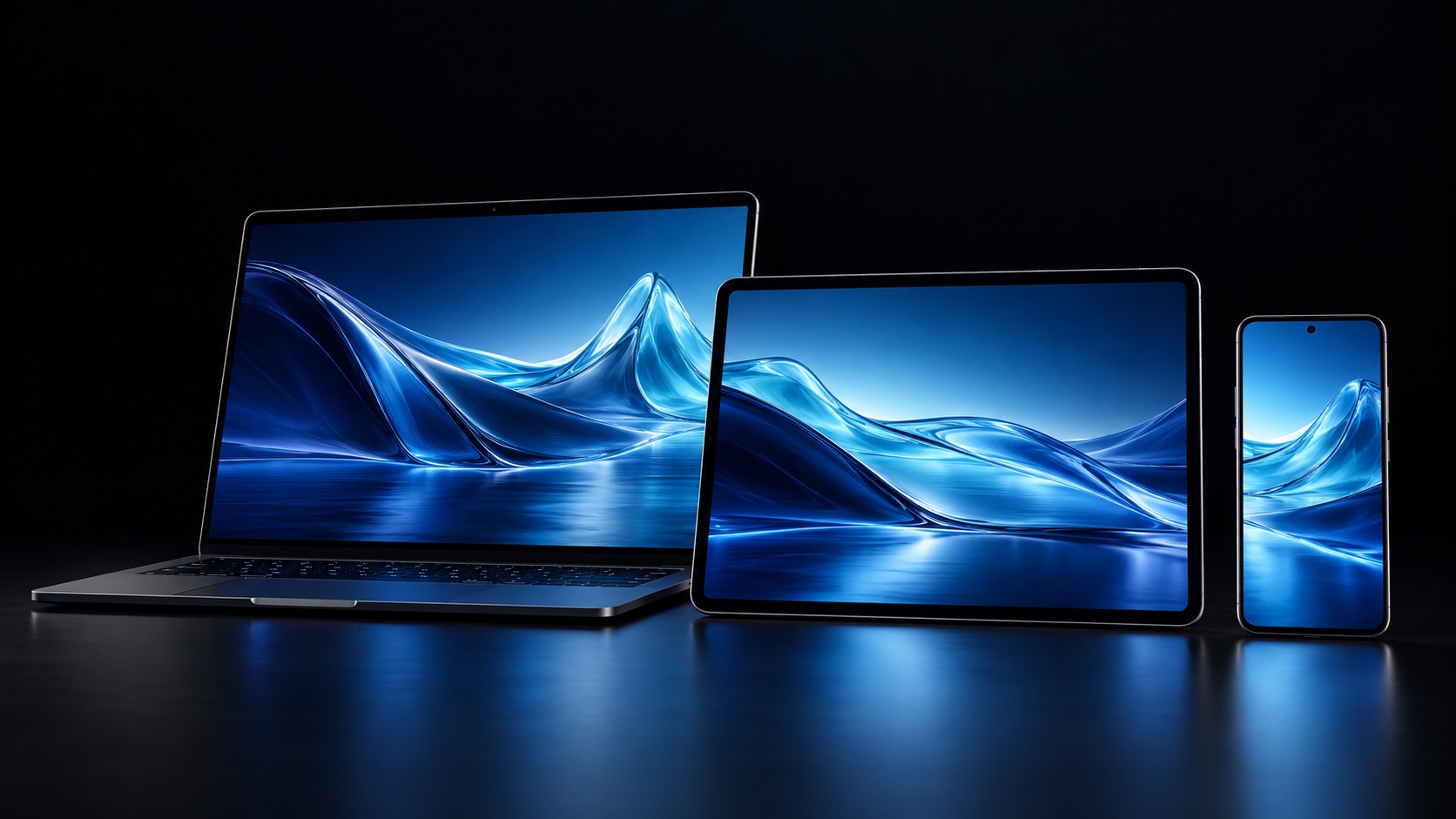
A second screen. A clearer workspace.
Give a useful device a new role, right beside your computer.
Room to work
An extra screen. Room to settle in.
Keep references, chats or previews on your second screen and give your main task more room.
A shared view
The same view. More freedom.
Mirror your computer to a tablet or phone for a closer view, with touch control on supported platforms.
Illustrative product scene, not an actual app screenshot.
Mac · Windows → iPad · Android
A touch away. Your desktop follows.
Use touch or a mouse to control your desktop, scroll and zoom where supported. See the guide for platform capabilities.
Three steps to a wider workspace
Choose the software for your devices and follow the setup guide.
Install on your computer
Download the Mac or Windows desktop assistant.
Prepare your receiver
Install the Android APK directly; for iPad, use the desktop assistant to prepare a signed IPA.
Connect and arrange
Connect both devices to the same local network, then follow the guide to set up your display.
Good questions. Clear answers.
Is local network use free?
Yes. Local network features are free. Start with both devices on the same network.
How do I install it on iPad?
The desktop assistant prepares a signed IPA for your iPad. Follow the iPad guide for the Apple account, signing and installation steps. There is no standalone IPA download here.
Are Android and iPad features identical?
Capabilities vary by platform. The Android receiver currently does not support audio, microphone or Windows lock-screen operations. See the guide for iPad support.
Can any phone output HDMI with a cable?
No. Wired HDMI output requires hardware support on the phone and a compatible adapter or cable. Check your device specifications first.